Transcript Generator
Paste a link or upload a file to get an editable transcript in seconds—frame-accurate timecodes, multilingual translation, and fast SRT/TXT/VTT export.
🎁 50% off before 2025
98%
Transcription accuracy
120+
Supported languages
45s
Average turnaround time
from 99+ happy users
Paste a link
instagram.com/reel/xyz
Instagram Reel
Downloading
AI noise cleanup
Enhancing
Captions ready
Ready to review
Transcript ready
00:06:31 timeframe
SRT · VTT · Plain text
Real-time AI
Paste a link to generate transcripts
Instagram, TikTok, and YouTube Shorts are all supported—no manual downloads required. We fetch the media, clean the audio, and hand it off to AI for transcription.
Step 01
Auto fetch & clean audio
Detect the language, pull HD audio, and strip noise in the cloud.
Step 02
AI transcript & translation
Generate transcript text, SRT/VTT subtitles, and multilingual variants.
Transcript
Transcript
How Transcript Generator Works
- 1
Paste the video link or upload a file
Drop a URL or upload media. The engine ingests the audio to prepare a clean transcript with robust ASR, diarization, and noise handling.
- 2
Generate a searchable transcript
Click Transcribe to get a precise transcript aligned to frame-level timing; longer videos process in the background, so you can multitask.
- 3
Edit & translate (optional)
Polish lines—merge or split segments, adjust timing, and correct wording. Translate on the fly for synced multilingual captions.
- 4
Export formats
Export your transcript in multiple formats (TXT, SRT, VTT) for easy use across platforms.
Why Transcripts Matter
What is a Transcript Generator?
A transcript generator is an AI-powered tool that converts spoken audio from videos or recordings into text automatically. It can take any video link or media file (whether it's an Instagram Reel, a YouTube video, a podcast, or a lecture) and produce a clean, editable text record of all spoken content. Instead of manually transcribing or scrubbing through audio, you simply paste a link or upload a file, and the engine processes the audio to output precise dialogue as text—often with timestamps aligned to the video.
More About Transcript Generator
Accuracy & speed
AI-powered transcript generators deliver ~95–99% accuracy and rapid turnaround—often in seconds or minutes—so captions and quotes need minimal cleanup.
Paste link & go
Just paste a URL or upload your file to get a transcript with no complex setup. A clean interface takes you from link to text fast—perfect for creators, marketers, and researchers.
All Platforms
Works across different sources—from social media clips (Instagram Reels, Stories, feed videos, live streams) to webinars and uploads. Your transcripts stay consistent across formats, even with varied audio quality or background noise.
Timestamps & editing
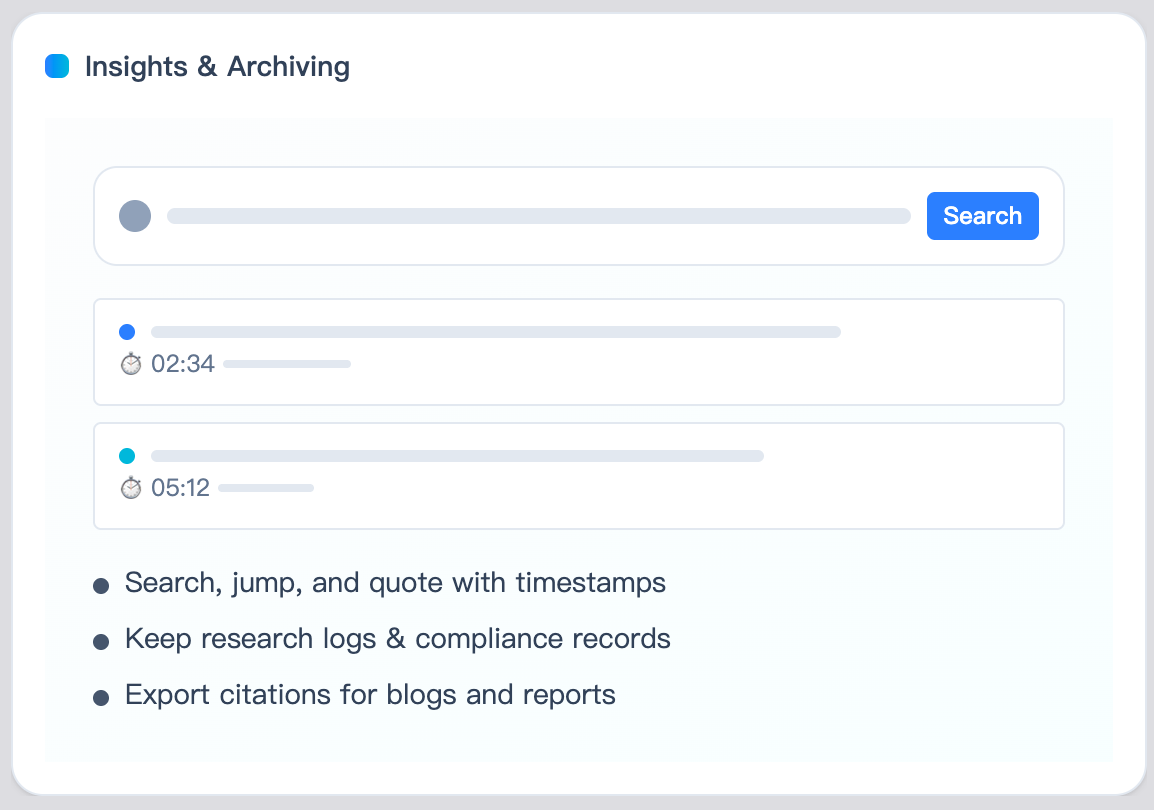
Frame-aligned timecodes, optional speaker labels, and in-browser editing (merge/split, timing tweaks) make your transcripts subtitle-ready with minimal effort.
Multi-format export
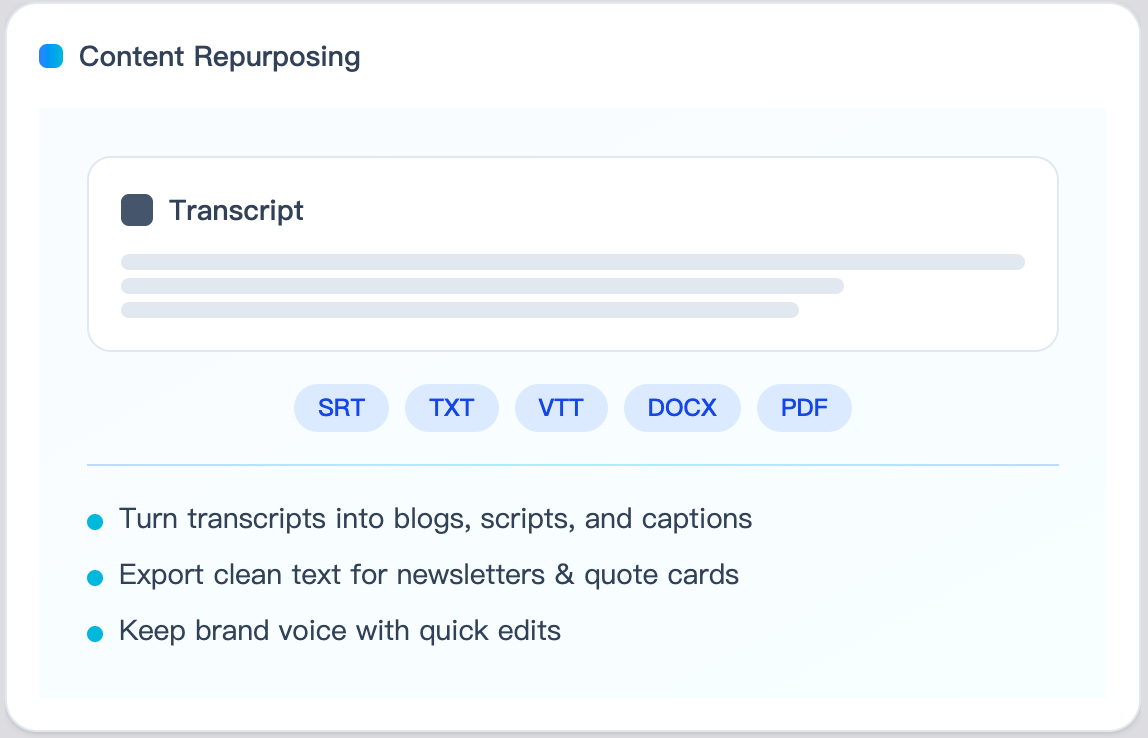
Export your transcript as TXT, SRT, VTT, DOCX, or PDF—ready to use as captions, blog content, or to import into video editors like Premiere Pro or Final Cut.
Trust & scale
Transcription is processed securely with encryption and optional auto-delete. Enjoy transparent pricing (including free tiers) and power tools like bulk processing, mobile access, and an API for integration.
Frequently Asked Questions About Transcript Generator
Do you support speaker labels and summaries?
Yes—speaker diarization (speaker identification) clarifies who's speaking in the audio, and transcript summaries are available to quickly recap content; diagram generation is available in Pro plans.
Are multilingual transcription and translation supported?
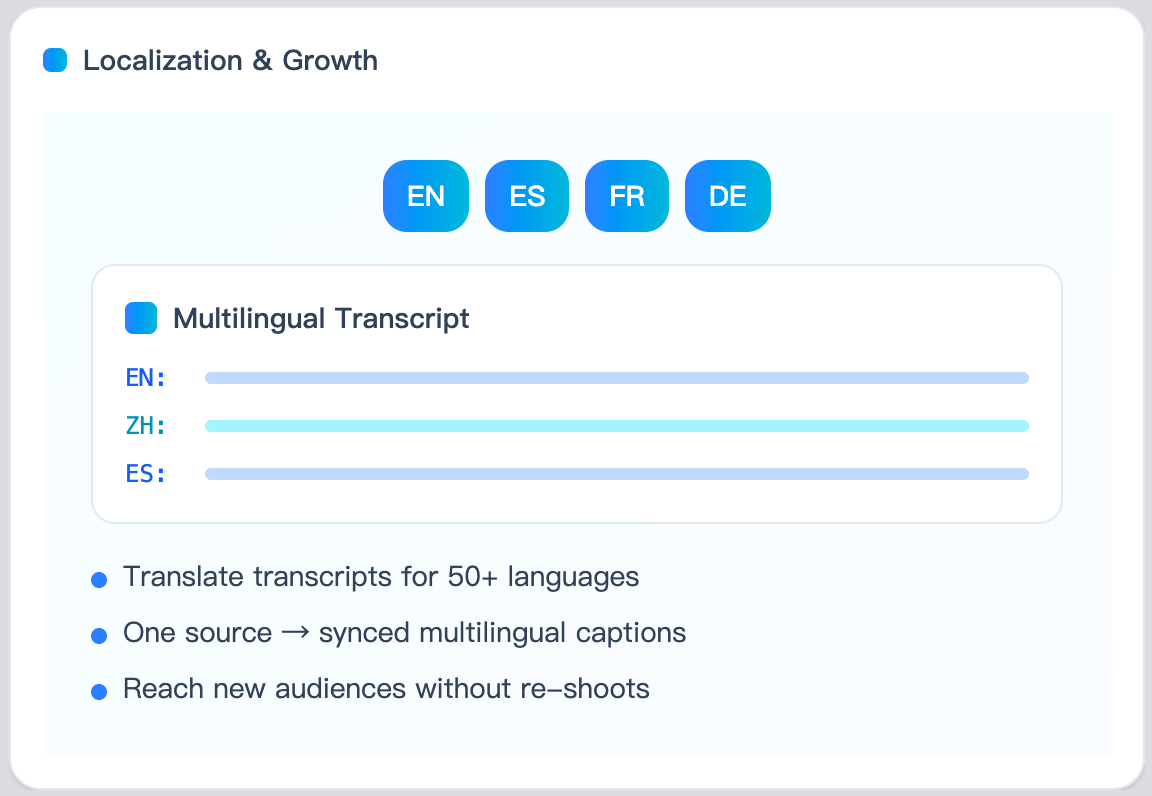
Yes—transcribe in multiple languages and translate on the fly. Use a custom glossary to keep brand terms consistent across translations.
Can I process multiple videos at once?
Yes—queue files in the background so long videos won't block your workflow. This way, you can transcribe several pieces of content concurrently.
How long does it take?
It's fast. With our Transcript Generator, results usually arrive in seconds to a couple of minutes, depending on the video length—far quicker than manual transcription.
What upload types do you accept?
We accept common video/audio formats (e.g., MP4, MOV, WEBM, MP3, WAV). If a format isn't recognized, a quick conversion to MP4 or WAV before uploading will help.
How is accuracy handled?
Accuracy depends on audio quality and speech clarity, but our AI provides high accuracy. You can always make small edits before exporting the final transcript.
How is my data handled?
Content is processed only to generate your transcript, with clear retention and deletion controls—see our Privacy Policy for details. We prioritize your data security and privacy.
Is it legal to transcribe Instagram content?
Generally, yes—it's legal to create transcripts of content you have rights or permission to use. Ensure you have the rights to transcribe and repurpose any video content and that you comply with Instagram's Terms of Service and local laws.
TranscriptGenerator.ai
Transcript Generator – Start Now
Start from here, start with Transcript Generator AI. Get Transcript